3D Furniture Rendering Software vs. Professional Studio: How to Choose the Right Approach
Discover how furniture rendering software helps create realistic visuals, streamline workflows, and when professional rendering services deliver higher quality, consistency, and better results for large-scale eCommerce and marketing projects.
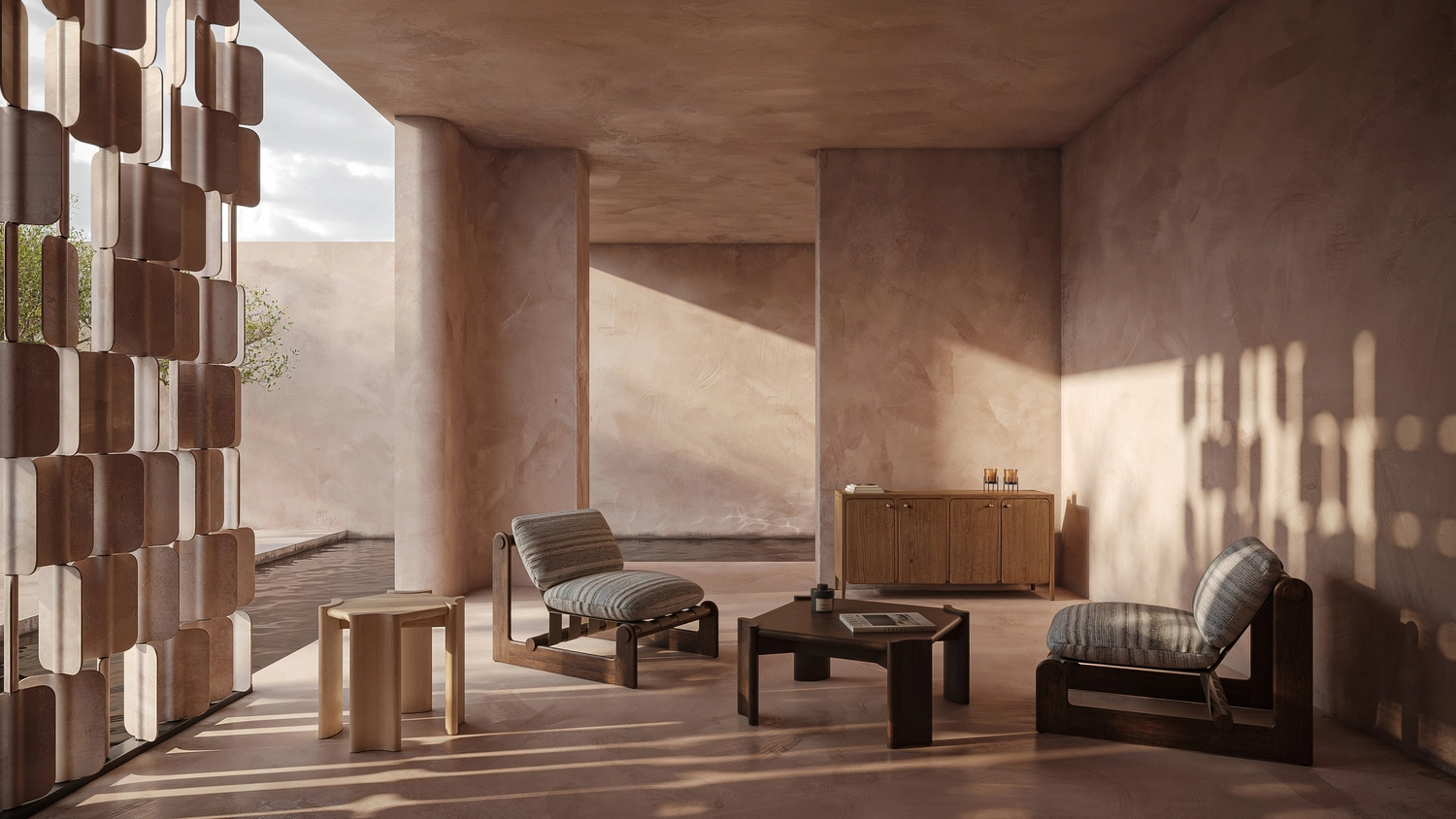
3D software for furniture design is essential for modern marketing, helping brands create fast, scalable visual content. Traditional photography no longer meets the speed required in eCommerce.
Furniture companies now use CGI to launch products faster, test variations, and create consistent visuals. However, many teams struggle to decide whether to use software in-house or work with a professional studio.
This article explains both approaches and helps you choose the right solution.
What Is 3D Furniture Rendering Software?
Best rendering software for furniture refers to digital tools used to create realistic images of furniture products using 3D models. These tools simulate lighting, materials, and textures to produce visuals that look like real photos.
Unlike CAD or modeling tools, which focus on technical design and geometry, rendering tools focus on presentation, including different angles, viewing, and floor plans. They transform raw models into polished visuals suitable for marketing, eCommerce, and presentations.
Common use cases include:
• Product catalogs
• Online stores
• Advertising campaigns
• Configurators and virtual showrooms
Many tools now include AI features that speed up workflows. However, AI alone does not guarantee consistent, production-ready results, unlike using a combination of 3D software for furniture design and 3D furniture rendering services.
To achieve high-quality output, teams still need strong artistic direction, technical expertise, and structured workflows. This highlights the gap between software tools and professional studios.
Choosing the right solution depends on business goals, production scale, available resources, and the level of visual quality required for effective product marketing. It also affects speed, consistency, and overall project efficiency.

Top Furniture Rendering Software in 2026
The market offers many tools for furniture visualization, and the most popular 3D design software for furniture includes: Blender, Autodesk 3ds Max + V-Ray, KeyShot, Unreal Engine, Cinema 4D, and Corona Renderer.
Blender
Blender is a powerful open-source solution used by designers worldwide. It supports full 3D workflows, including modeling, rendering, and animation.
Advantages:
- Free and open-source
- Strong community support
- Flexible for different workflows
Disadvantages:
- Steep learning curve
- Requires experience for photorealistic results
Pricing: Free
Blender is often chosen by small teams and startups looking for cost-efficient solutions.
Autodesk 3ds Max + V-Ray
This combination is considered an industry standard for high-end rendering. It delivers precise lighting and material realism.
Advantages:
- Exceptional photorealism
- Widely used in architecture and product design
- Strong plugin ecosystem
Disadvantages:
- Expensive
- Requires skilled specialists
Pricing: ~$2,000–$2,500+ per year combined, depending on licensing options.
V-Ray is known as a leading tool for realistic rendering due to its accurate simulation of light and materials.
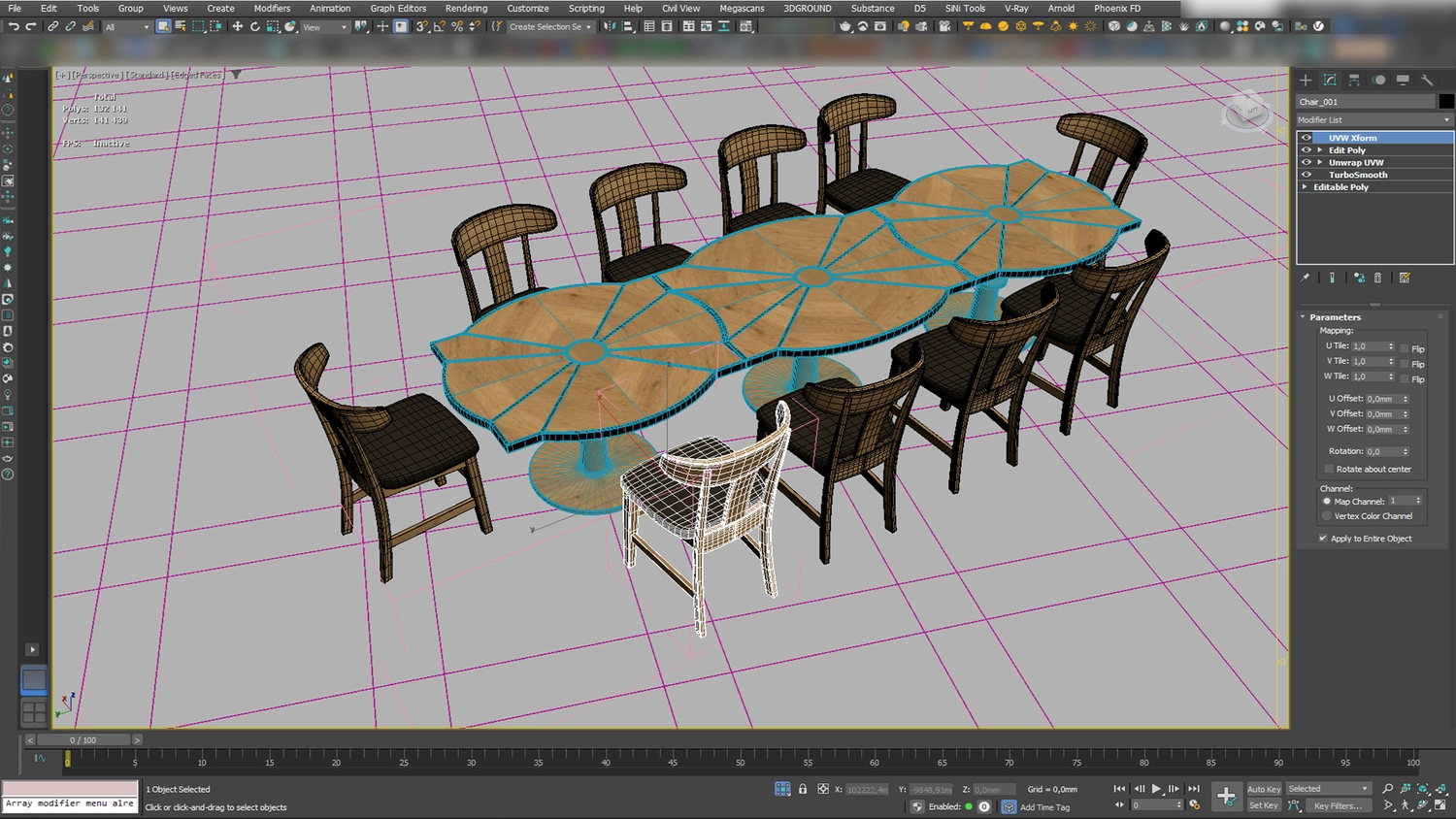
KeyShot
KeyShot is designed for product designers who need fast and easy rendering. It allows users to see changes in real time.
Advantages:
- Real-time rendering
- Easy to use
- Fast setup
Disadvantages:
- Limited control over complex scenes
- Less flexible than advanced tools
Pricing: ~$1,300+ per year (subscription), depending on plan and usage.
KeyShot is widely used for product visualization because it enables the quick creation of photorealistic images. As an example, this is very much in demand in apartment rendering.
Unreal Engine
Unreal Engine is a real-time rendering tool used for interactive experiences and virtual environments.
Advantages:
- Real-time rendering
- Supports immersive experiences
- Ideal for virtual showrooms
Disadvantages:
- Complex setup
- Requires technical skills
Pricing: Free to use for many cases; 5% royalty applies after $1M revenue. For non-game commercial use, subscription plans may start around $1,850/year per seat. Unreal Engine is often used when interactivity and real-time feedback are required.
Cinema 4D
Cinema 4D is widely used for motion graphics and product animation.
Advantages:
- Strong animation tools
- User-friendly interface
- High-quality rendering
Disadvantages:
- Expensive subscription
- Not focused only on product rendering
Pricing: ~$800–$1,300 per year, depending on subscription plan, with higher costs for bundled solutions.
Cinema 4D is a professional 3D graphics software used for creating complex visuals and animations.
Corona Renderer
Corona Renderer is known for simplicity and high-quality results, especially in interior and product visualization.
Advantages:
- Easy to use
- Strong photorealistic output
- Fast setup
Disadvantages:
- Limited to certain platforms
- Less flexible than some engines
Pricing: ~$400–$515 per year, depending on the subscription plan.
Corona is widely used in architectural and product visualization due to its balance of simplicity and quality.
Lumion
Lumion is a rendering tool focused on speed and ease of use, often used for architectural and product visualization.
Advantages:
- Fast rendering workflow
- Large asset library
- Easy for beginners
Disadvantages:
- Limited control over fine details
- Less accurate photorealism
Pricing: ~$200–$2,500+ per year, depending on the plan (View, Pro, or Studio).
Lumion is useful for quick visual presentations and early-stage marketing visuals.
Twinmotion
Twinmotion is a real-time rendering tool developed by Epic Games, designed for fast visualization and interactive presentations.
Advantages:
- Real-time rendering
- Easy navigation and setup
- Strong integration with Unreal Engine
Disadvantages:
- Limited advanced rendering control
- Not ideal for high-end photorealism
Pricing: Free for individuals and small businesses; paid plans start at around $445 per year per seat, with higher-tier subscriptions available.
Twinmotion is ideal for teams that need fast results and simple workflows.
Top Furniture Rendering Software: Quick Comparison Table
Each of these tools serves a different purpose, and the best 3D software for furniture design depends on whether you prioritize speed, realism, or interactivity.
Choosing the right software depends on your goals, team skills, and production scale.
3D Software For Furniture Design vs. 3D Rendering Services
Choosing between in-house tools and outsourcing is something many teams deal with when working with 3D design software for furniture. At first glance, both options seem equally viable, but in practice, the right choice depends on your timeline, resources, and the level of quality you need.
In-house software works well in a few specific situations:
- When you are working with a small product range and don’t need large volumes of visuals
- For internal presentations where speed matters more than perfect realism
- At early stages, when you are still testing ideas and directions
- When quick edits and flexibility are more important than final polish
However, limitations become clear as projects grow:
- Producing large volumes of visuals takes much more time than expected
- Achieving consistent photorealism across many products is difficult
- Maintaining a unified visual style across catalogs can be challenging
- Internal workflows often slow down under tight deadlines
This is where outsourcing starts to make more sense:
- When you need to handle large product catalogs efficiently
- For high-end visuals used in marketing and sales
- When deadlines are tight, and delays are not an option
- If consistency across all assets is critical
- When you want to avoid building and managing an in-house team
Quick Comparison: 3D Design Software For Furniture vs. Professional Studio
Selecting the right approach depends on your goals, resources, and production scale. While software offers flexibility, professional services deliver speed, consistency, and high-end results, making 3D rendering furniture software more effective when supported by expert teams.
What a Professional Furniture Rendering Studio Offers
Working with a professional studio improves quality and efficiency. Businesses gain structured workflows, expert teams, and scalable solutions for consistent results and strong outcomes.
Consistent Photorealistic Quality
- Marketing-ready visuals across all assets
- Reliable results beyond the capabilities of the best furniture rendering software alone
Full Creative and Technical Control
- Precise control over lighting, materials, and composition
- Focus on visual quality and brand consistency
Faster Time-to-Market
- Parallel workflows for faster production
- Dedicated teams working on multiple assets simultaneously
Scalability for Large Furniture Catalogs
- Efficient handling of hundreds or thousands of SKUs
- Consistent output across large product ranges
Access to Advanced Expertise
- Strong focus on lighting, composition, and storytelling
- Strategic approach to visuals, not just rendering
Post-Production and Revisions
- Flexible adjustments based on feedback
- Final visuals refined to meet project and marketing requirements
A professional furniture rendering studio delivers a complete visual content production system. Unlike relying solely on 3D rendering software for furniture design or a furniture configurator, businesses gain higher quality, faster delivery, and scalable workflows.
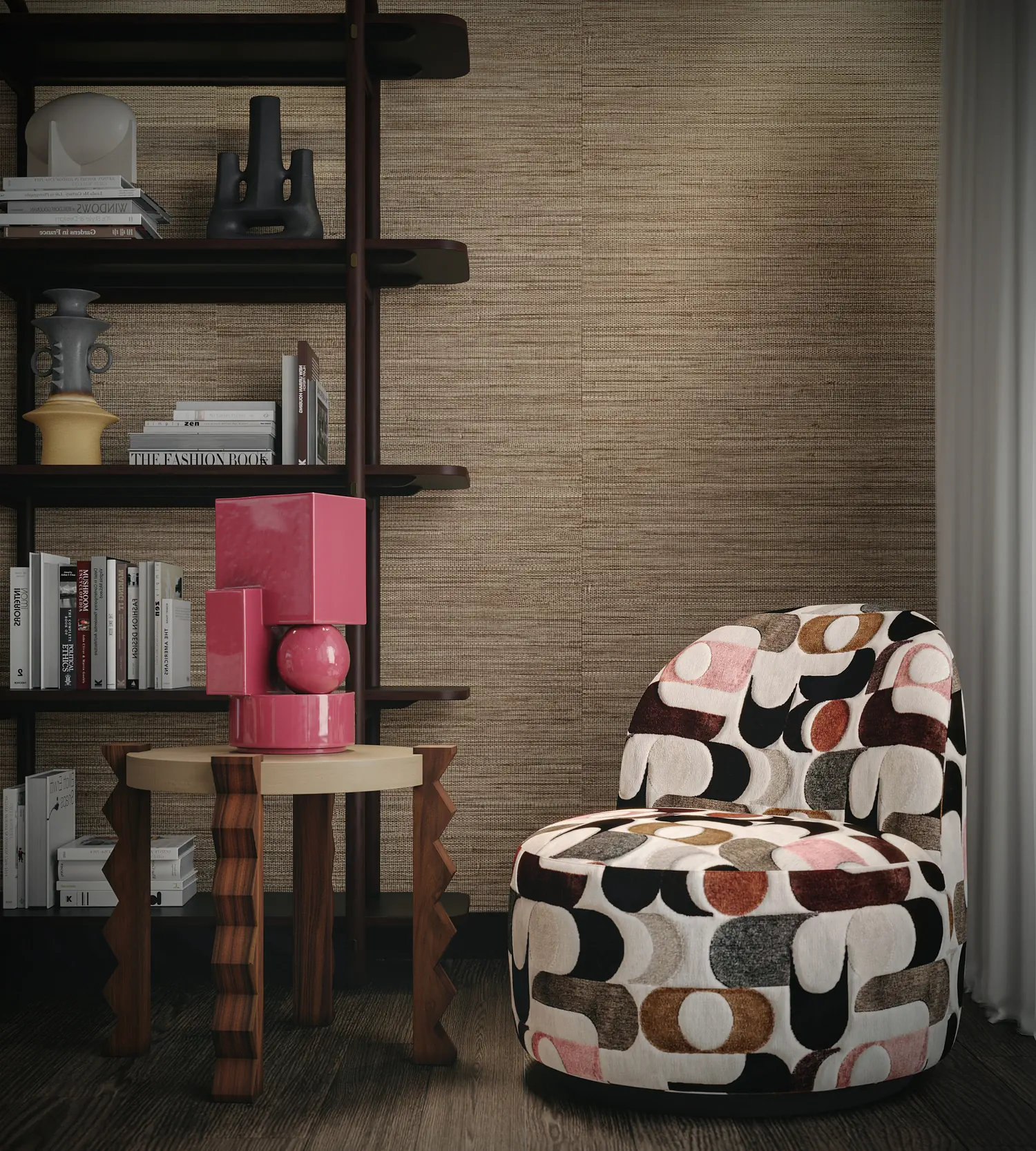
When It Makes Sense to Choose a Studio Over 3D Furniture Rendering Software
Choosing between software and a professional studio depends on project goals, scale, and required visual quality. In many cases, a studio provides better results, especially when speed, consistency, and presentation quality matter.
Launching a New Furniture Collection
• High-quality visuals create a strong first impression
• Support brand positioning and product value
• Help communicate design features clearly to customers
Creating eCommerce Visuals at Scale
• Large catalogs require consistent images
• Faster content creation for multiple products
• Improve efficiency in content creation workflows
Producing High-End Marketing Campaigns
• Advanced lighting and composition improve visual impact
• Strong storytelling helps attract customers
• Enhance brand image across all channels
Building Virtual Showrooms or Configurators
• Requires technical expertise and structured workflows
• Combines design, interaction, and visualization
• Enables immersive customer experiences
Working with a professional 3D studio helps businesses—especially those creating house and villa renderings—reduce production time, maintain visual consistency, and achieve a level of quality that goes beyond what even the best rendering software for furniture can deliver on its own. While software can support individual tasks, a studio brings together expertise, structured workflows, and art direction to ensure consistent, market-ready visuals. As a result, teams can improve marketing performance and stay focused on strategy instead of getting caught up in complex production processes.
Why Choose PIXREADY Instead of 3D Design Software For Furniture
If you’re looking to improve both the quality and efficiency of your visual content production, PIXREADY can be the right partner to support your goals.
End-to-End Production
- Full pipeline from modeling to final visuals
- More than tools like 3D software for furniture design
Consistent Photorealism
- Unified quality across products in various spaces (bedrooms, living rooms, etc.)
- Strong visual identity for every asset
.webp)
Faster Time-to-Market
- Parallel workflows and dedicated teams
- Quick delivery without quality loss
Built for Scale
- Handles large catalogs efficiently
- Suitable for growing product lines
No In-House Team Needed
- No hiring or training required
- Saves time and operational costs
Consistency Across Campaigns
- Standardized visual style
- Reliable output for marketing
Advanced Workflows
- No need to manage complex tools
- More efficient than 3D design software for furniture alone
Hybrid Approach
- Combines AI and human expertise
- Ensures control and creativity
High-Performance Visuals
- Designed for marketing impact
- Goes beyond the best rendering software for furniture
PIXREADY teamed up with a leading US DIY closet brand to rethink how custom storage systems are presented to customers. The project involved 261 configurations, combining static visuals with animations that clearly showed both design options and installation steps.

Instead of relying solely on the best 3D software for furniture design, the team built a structured workflow that ensured every product remained consistent and easy to understand.
As a result, the brand made its products easier to explore, improved customer understanding, and created a more engaging experience for people designing their own closet systems.
Conclusion
3D furniture rendering software offers flexibility, but achieving consistent, high-quality results takes time and experience. Many teams underestimate how much effort is needed to create visuals that truly sell.
Professional studios solve this with established workflows and expert teams, delivering faster and more reliable results. If your goal is strong marketing visuals and scalable production, working with a studio like PIXREADY is often the more effective and practical choice.
Get 3d expert on your side
More than a 3D rendering vendor, PIXREADY acts as a strategic CGI partner helping brands
сreate scalable visual content for marketing, sales, and product launches. Let's explore your
project and discuss how CGI can support your business goals!

Stas Dunaevskiy is an Account Manager and Business Development Specialist at PIXREADY, a company focused on scalable CGI production and architectural visualization. He helps clients explore the possibilities of cutting-edge CGI technologies, with a special focus on immersive 3D walkthroughs, virtual tours, and architectural visualization. He has worked with real estate developers, construction companies, and product manufacturers, guiding them toward solutions that bring their projects to life and support business goals. With his consultative approach, Stas ensures that each PIXREADY project combines creative vision with the latest advancements in 3D visualization.
-2.webp)