Best CGI Software in 2026: Top Tools for 3D Rendering, Animation & Visualization
Discover how to choose the right CGI software for different goals in 3D rendering, animation, and visualization.

Choosing the right CGI tool is a significant challenge for designers, marketers, and developers in 2026. With dozens of tools available, it is hard to know which one fits your goals, budget, and skill level.
In this article, we explain what CGI software is, review the best CGI tool in 2026, and help you decide whether to use the software in-house or work with a professional 3D rendering partner.
What Is CGI Software?
This software, also known as computer-generated imagery software, is used to create digital visuals. These tools help artists and teams produce photorealistic renders, 3D models, animations, and visual effects. Computer software is widely used in real estate, product design, e-commerce, architecture, film, and marketing.
There are different types of software for CGI. Some tools focus on 2D graphics, while others support complete 3D workflows. Many platforms offer animation tools, character animation, motion capture, and physics simulations. Modern computer software often includes AI-assisted features such as automatic lighting, material selection, and text-to-animation tools.
In simple terms, this type of software expands the creative possibilities of designers and developers. Software helps turn ideas into visual content that people can see, understand, and trust before a product or building exists.
Best CGI Software in 2026
Choosing the top CGI software in 2026 depends on what you create, how fast you need results, and how experienced your team is. Some tools are designed for architectural visualization, while others focus on product rendering, animation, or real-time experiences. There is no single CGI solution that works perfectly for every task.
Understanding the strengths and limits of each tool helps teams choose the proper workflow and avoid costly mistakes. Below is an expanded overview of the industry-leading software CGI used by professionals in 2026.
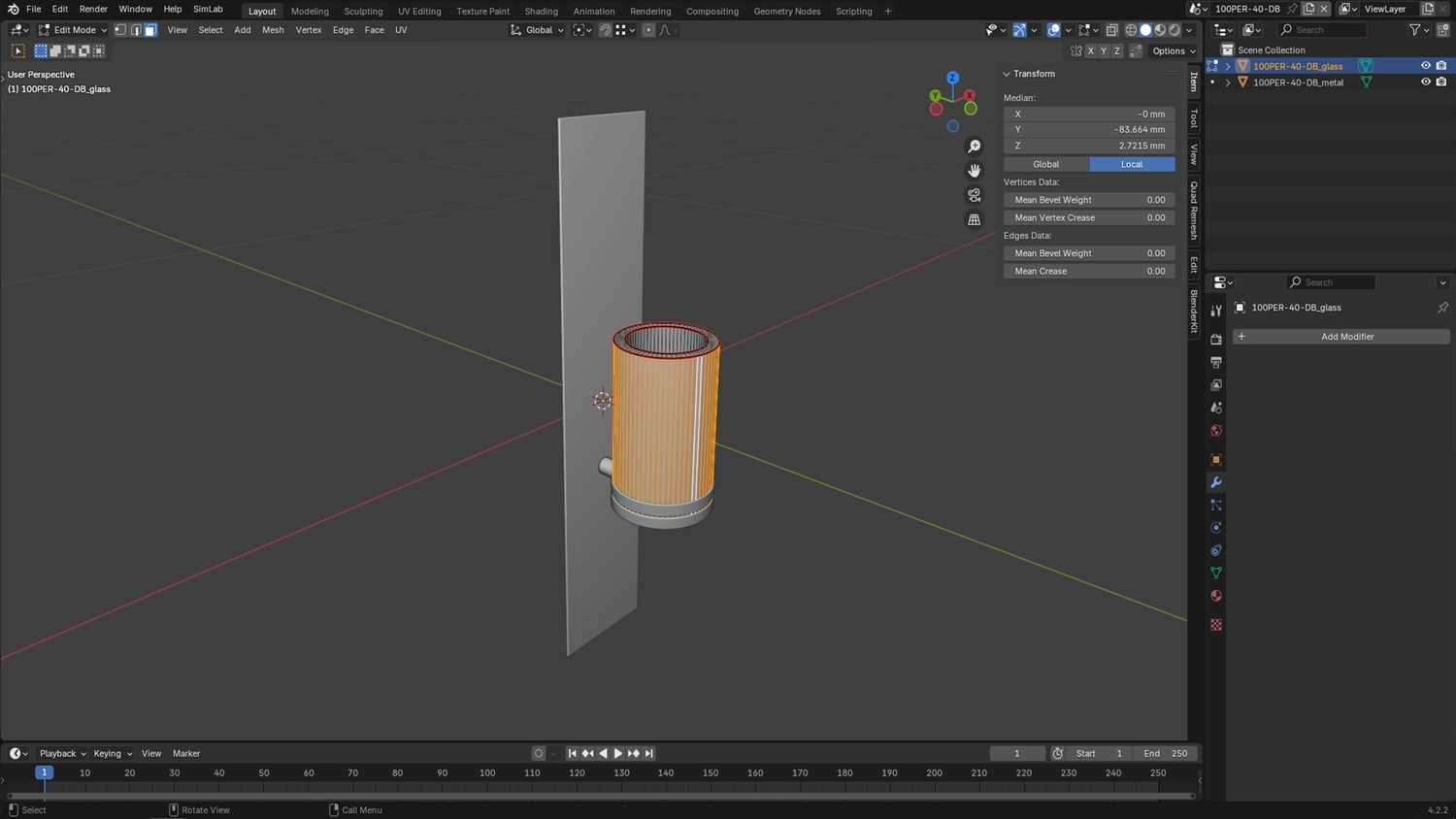
Blender – Free All-in-One 3D Suite
Blender is one of the most popular CGI tools worldwide. It is entirely free and open source, yet powerful enough for professional work. Blender is one of the best CGI software platforms for 3D modeling, sculpting, texturing, animation, simulation, and rendering. It also includes built-in render engines like Cycles and Eevee.
Advantages:
- Free with no license limits
- Large global community and tutorials
- All-in-one solution for many workflows
Disadvantages:
- Steep learning curve for beginners
- Slower pipelines for large commercial teams
Pricing: Free
Autodesk 3ds Max – Architectural Visualization
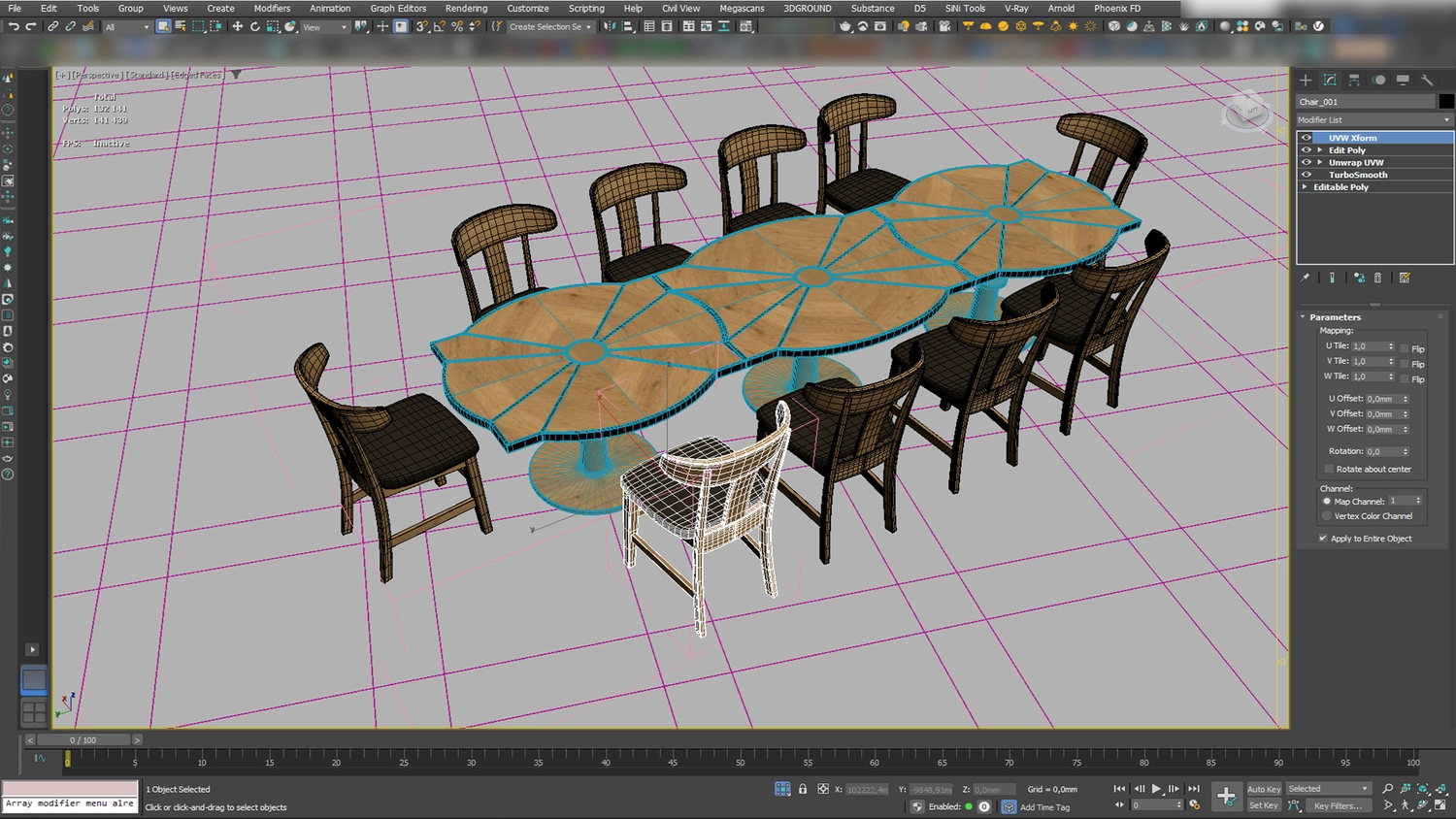
Autodesk 3ds Max is widely used in architectural visualization and real estate projects. Many studios rely on it as the best software for CGI for creating exteriors and interiors, thanks to its powerful modeling tools and plugin support.
Advantages:
- Industry standard for architecture
- Precise modeling and scene control
- Works well with popular render engines
Disadvantages:
- Expensive subscription
- Requires powerful hardware
Pricing: Subscription-based
Unreal Engine – VR and Animation
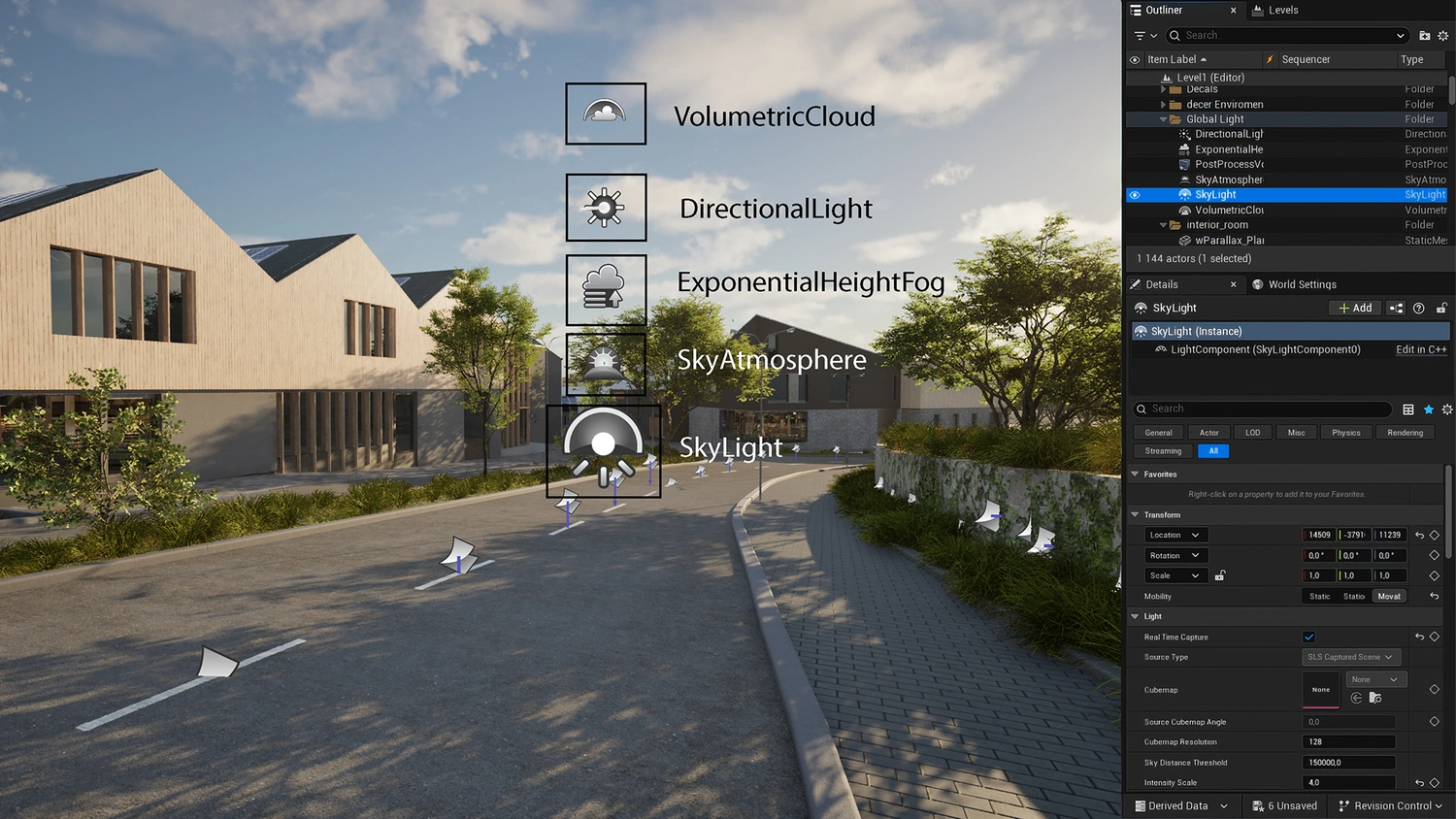
Unreal Engine is a real-time CGI platform used for animation, virtual reality, and interactive walkthroughs. It is often chosen when asked what software is used for CGI for immersive presentations and digital twins.
Advantages:
- Real-time rendering
- Excellent for VR and animation
- High-performance visuals
Disadvantages:
- Complex workflow
- Less suitable for high-end still images
Pricing: Free for many uses
Corona Renderer – Interior and Architectural Stills
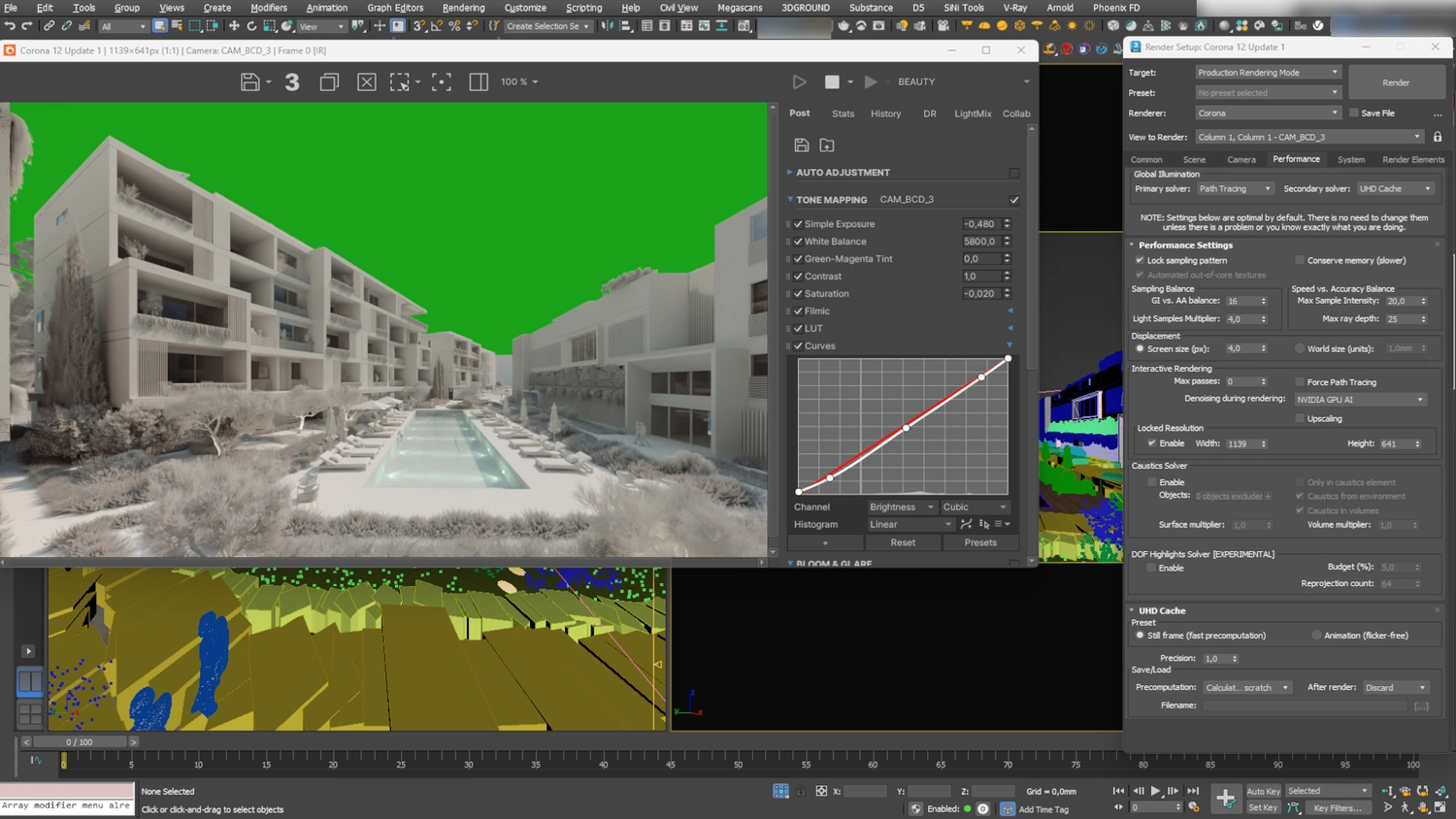
Corona Renderer is focused on photorealistic still images. It is especially popular as CGI rendering software for interior and residential visualization because it produces natural lighting with simple settings.
Advantages:
- Easy to learn
- Clean and realistic lighting
- Ideal for interiors
Disadvantages:
- Limited animation features
- Slower with huge scenes
Pricing: Subscription-based
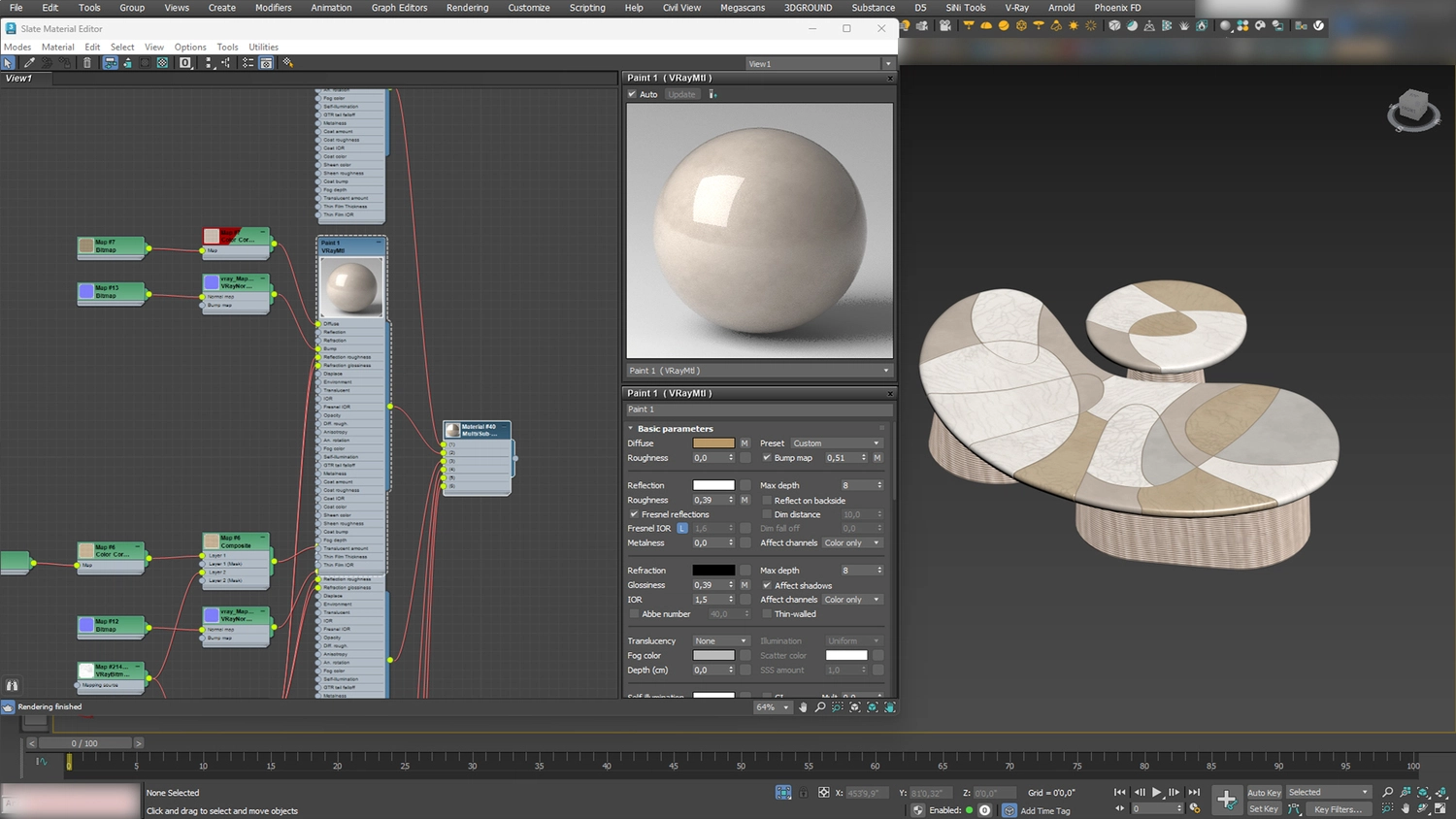
V-Ray – Photorealistic Rendering Engine
V-Ray is known for extreme realism and accuracy. It is widely used as CGI render software in architecture, product visualization, and film production.
Advantages:
- Very realistic output
- Works with many 3D platforms
- Trusted by professionals worldwide
Disadvantages:
- Complex settings
- High hardware requirements
Pricing: Subscription-based
Enscape – Real-Time Architectural Visualization
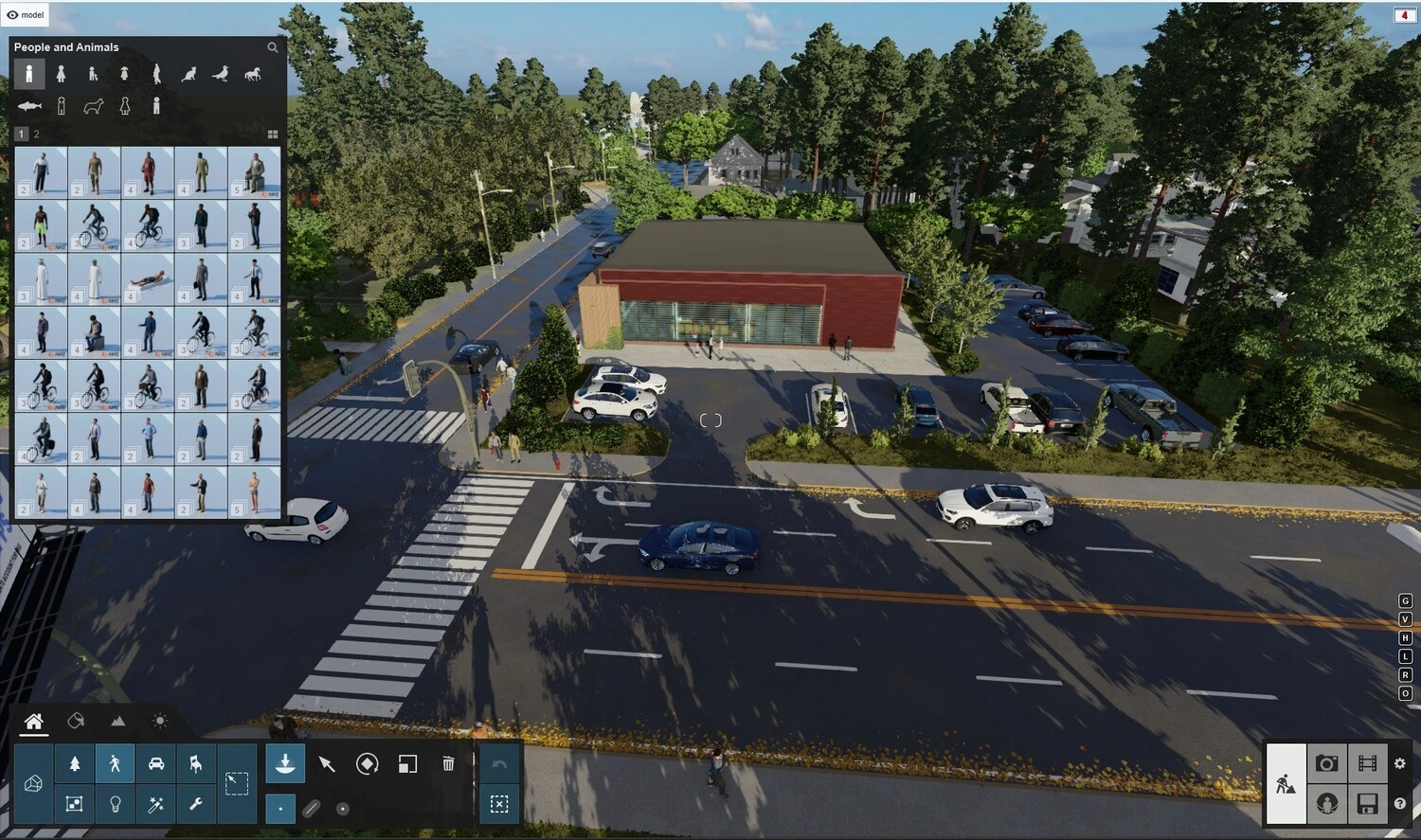
If you’re asked: “What is the best CGI software for fast results?” Most architects would answer Enscape. This tool connects directly to design software and updates scenes instantly.
Advantages:
- Real-time previews
- Quick setup
- Easy client presentations
Disadvantages:
- Limited creative control
- Less flexible styling options
Pricing: Subscription-based
Twinmotion – Fast Real-Time Visualization
Twinmotion focuses on speed and ease of use. What is CGI software for early design stages that lets you show concepts quickly? For this situation, Twinmotion is often used.
Advantages:
- Very user-friendly
- Fast results
- Good for early presentations
Disadvantages:
- Lower realism
- Fewer advanced controls
Pricing: Subscription-based
KeyShot – Product Rendering
KeyShot is designed for product visualization. This 3D CGI software is widely used in e-commerce, advertising, and industrial design.
Advantages:
- Easy to learn
- Fast rendering speeds
- Large material library
Disadvantages:
- Limited modeling tools
- Not suitable for large environments
Pricing: Subscription-based
Autodesk Maya – Animation and VFX
Maya is a powerful CGI tool used mainly for character animation and visual effects. This CGI computer-generated imagery software is standard in film, games, and entertainment.
Advantages:
- Advanced animation tools
- Strong simulation features
- Industry standard in VFX
Disadvantages:
- Complex interface
- High license cost
Pricing: Subscription-based
Houdini – Procedural Effects and Simulations
Houdini is used for advanced simulations and procedural workflows. It is the best CGI software, offering complete control over effects such as smoke, fire, and particles.
Advantages:
- Powerful effects system
- Flexible node-based workflow
- High-end results
Disadvantages:
- Very steep learning curve
- Not beginner-friendly
Pricing: Subscription-based
Lumion and Maxwell – Optional Archviz Tools
Lumion is known as computer-generated imagery software for fast exterior visualization, while Maxwell focuses on physically accurate lighting.
Advantages:
- Easy to use
- Strong lighting realism
Disadvantages:
- Limited flexibility
- Slower for complex scenes
Pricing: Subscription-based
When choosing software for CGI, teams should consider project type, deadlines, and skill level. The best CGI tools in 2026 depend on your goals, budget, and experience. Some tools focus on speed, others on realism or animation. Understanding each tool’s role helps teams plan better workflows and achieve stronger visual results.
Hiring a 3D Rendering Company vs. CGI Software
Choosing between hiring a 3D rendering company and using computer-generated imagery software in-house is an important decision for many businesses. Both options can produce visual content, but they offer very different levels of support, quality, and efficiency.
- Software gives tools, not expertise
CGI software provides the tools needed to create 3D visuals, but it does not replace experience. High-quality results depend on skilled artists who understand lighting, materials, composition, and visual storytelling. Without this expertise, visuals may look unrealistic or inconsistent. - Time and learning curve for in-house teams
Learning CGI tools takes time. Teams must study the tools, practice workflows, and solve technical problems. This learning process can slow down projects and delay marketing campaigns. - Cost structure and hidden expenses
Using software for CGI requires ongoing costs. These include software licenses, powerful hardware, render farms, and staff training. Over time, these expenses can grow larger than expected, affecting budgets. - Quality consistency across campaigns
A 3D rendering company delivers consistent visual quality across all images and campaigns. In-house teams may struggle to maintain the same level of detail and style, especially when working under pressure or handling multiple projects simultaneously. - Scalability for large projects
Rendering companies can easily scale for large or complex projects. They adjust team size and workflows to meet tight deadlines without reducing quality or missing key milestones.
Overall, hiring a 3D rendering company often saves time, reduces risk, and delivers more reliable results. It also supports consistent branding, faster production, and higher visual quality across projects.
Challenges and Limitations of Computer-Generated Imagery Software
- Skill dependency
CGI tools require skilled artists to produce high-quality results. Without experience, visuals may look unrealistic or unprofessional. Learning these tools takes time and practice. - Time-intensive workflows
Creating CGI visuals often involves many steps, including modeling, texturing, lighting, and rendering. Each step takes time, which can slow down projects and deadlines. - Hardware and rendering demands
CGI tools need powerful computers and graphics cards. Large scenes and high-quality renders require long rendering times and strong hardware resources. - Pipeline complexity
CGI workflows often use multiple tools. Managing files, formats, and updates can be complex, leading to errors or delays. - Not marketing-focused by default
Most CGI tools are built for technical creation, not marketing goals. Visual storytelling, branding, and conversion need extra planning and creative direction.
Future Trends in Computer-Generated Imagery Software
- AI-assisted materials and lighting
Software CGI is using AI to speed up work with materials and lighting. AI tools help set realistic textures, reflections, and light faster. This reduces manual work and helps teams get good results more quickly. - Hybrid real-time and offline rendering
More projects combine real-time and offline rendering. Real-time tools are used for fast previews and client reviews. Offline rendering is used to produce high-quality final images. This mix improves speed and quality. - Cloud rendering pipelines
Cloud rendering is becoming more popular. It allows teams to render large scenes even on weaker local hardware. Cloud systems also help meet tight deadlines and handle heavy workloads. - Growing demand for interactive 3D content
Interactive 3D content is in high demand. Users want to explore products and spaces online. CGI software is adapting to support interaction, animation, and real-time control across digital platforms.

Why Choose PIXREADY Instead of CGI Tools
Choosing PIXREADY means working with a team that delivers more than just CGI tools, focusing on results and visual quality.
Tailored, brand-specific rendering
PIXREADY creates visuals that match brand style, tone, and marketing goals.
Creative oversight and quality control
Each project is reviewed to ensure high visual quality and accuracy.
Consistency across campaigns
Visuals stay consistent across ads, websites, and presentations.
Wide visual expertise
The team works with product, architectural, and marketing visuals.
Hybrid workflow
PIXREADY combines the best software for CGI and AI with human artistic control for realistic, high-performing results.
PIXREADY delivered premium exterior 3D visuals for the Bronte Residential & Commercial Complex in Paphos, Cyprus, supporting pre-sales and investment marketing efforts. Working from the client’s architectural drawings and SketchUp model, our team produced a comprehensive set of high-resolution exterior renderings that vividly showcased the development’s layout, lifestyle spaces, and landscaped courtyards. These visuals helped the client launch sales materials, attract investors, and confidently promote the project across presentations, on-site banners, and digital channels.
PIXREADY created a photorealistic 3D rendering for a 200-year-old tequila brand in Mexico. A marketing agency asked PIXREADY to visualize an exclusive dining experience that combines heritage, fine cuisine, and design. The renders show an intimate space for 34 guests, designed in traditional Mexican style with modern accents. Natural materials and handcrafted details create warmth and depth—dynamic lighting changes during the evening to build emotion. These visuals helped communicate the brand’s history and refined atmosphere, becoming a key part of the client’s presentation strategy.
Conclusion
Choosing the best software for CGI depends on your goals, skills, and resources. While CGI tools offer power and flexibility, they also require time and expertise. For businesses focused on marketing results, professional 3D rendering services often deliver better value.
Investing in high-quality CGI visuals helps attract attention, build trust, and achieve stronger business outcomes. Explore professional 3D rendering solutions to turn your ideas into visuals that sell.
Get 3d expert on your side
More than a 3D rendering vendor, PIXREADY acts as a strategic CGI partner helping brands
сreate scalable visual content for marketing, sales, and product launches. Let's explore your
project and discuss how CGI can support your business goals!
.png)
Founded by a group of technology, architecture, and design professionals in 2018, PIXREADY is one of the challengers empowering the 3D visualization industry and making its products and services more affordable.We are determined to assist businesses around the world to create photorealistic images of their products and ideas and enrich the experience of their clients. We focus on the details, with the highest precision in every pixel.
FAQ
What is CGI software?
CGI or computer-generated imagery software is used to create digital visuals, including renders, 3D models, animations, and visual effects. It is widely used across industries such as real estate, product design, eCommerce, architecture, film, and marketing to turn ideas into visual content.
What software is used for CGI?
Popular CGI software includes Blender, Autodesk 3ds Max, Unreal Engine, Corona Renderer, V-Ray, Enscape, Twinmotion, KeyShot, Autodesk Maya, and Houdini. Each tool serves different needs, from architectural visualization and product rendering to animation and walk-throughs.
What is the best CGI software in 2026?
There is no single best software for every project. For instance, Blender works well as a free, all-in-one 3D suite. 3ds Max is widely used for architectural visualization, KeyShot excels at product rendering, and Maya is good for animation and VFX. The right choice depends on your goals, product needs, and skill level.
What is the difference between CGI software and rendering software?
CGI software is the general category of tools used to create digital visuals. It can include models, textures, and animations. Rendering software specifically processes a 3D scene into a finished image. It calculates lighting, materials, and reflections.
Which CGI software is best for 3D production rendering?
KeyShot is suitable for 3D product rendering. The tool offers fast rendering speeds, an easy learning curve, and a large material library. KeyShot is widely used in eCommerce, advertising, and industrial sectors.
Which CGI software is best for architectural visualization?
Autodesk 3ds Max is widely used for architectural visualization, offering precise modeling tools and strong plugin support for exteriors and interiors. Corona Renderer and V-Ray are also popular choices, delivering photorealistic lighting for interior and exterior visualization projects across the industry.
Is CGI software better than hiring a 3D rendering company?
CGI rendering software provides tools, not expertise, since high-quality results still depend on skilled artists who understand lighting, materials, and composition. A 3D rendering company delivers consistent quality across campaigns and scales more easily for large projects than in-house teams learning CGI tools from scratch.
Can AI replace CGI software and 3D artists?
AI can automate or accelerate certain CGI tasks, such as material selection, lighting setup, and text-to-animation generation. Its ability to complement traditional CGI software or 3D artists depends on the project’s complexity, quality requirements, and level of creative control.

-2.webp)