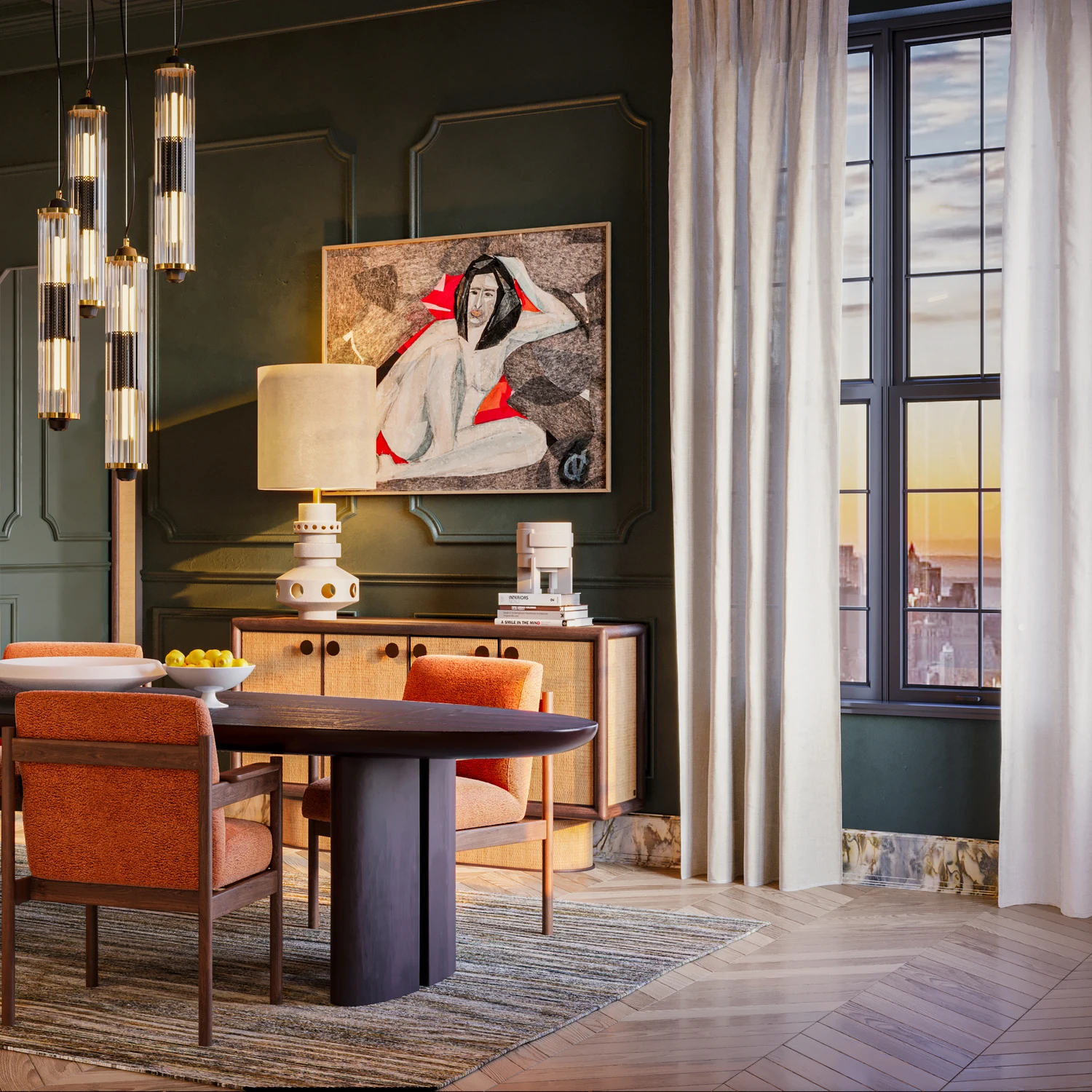
Office Rendering: How 3D Visuals Transform Commercial Design
Unlock the world of office building rendering with this comprehensive guide. Discover benefits, how-tos, and real-life applications.

Modern office rendering software has enabled both clients and designers to create hyperrealistic, detailed building plans before the construction day. However, architectural and interior rendering has a lot more to offer your company than just the ability to create detailed designs ahead of the curve. It also has excellent marketing potential, particularly if you want to attract more clients or investors to your company.
So if you’re interested in commercial office renderings, this guide is for you. We’ll explore everything related to it – benefits, how-tos, as well as discuss the different types and applications.
What Are the Benefits of Office Renders
Office space rendering is a valuable tool for creating immersive designs that will impress your team and clients from the outset. Besides this obvious advantage, let’s see what other benefits you’ll gain by opting for office 3D rendering:
Reduces Design Revisions
3D architectural renderings help your team and potential clients to understand the whole concept more easily. When you use mockups and other tools, not only is it inconvenient, but it’s also very time-consuming and challenging to understand. However, from a single 3D rendering alone, you’ll be able to showcase all possible features and options. This significantly reduces the number of revisions and differences in understanding in the project.
Flexibility
Clients always want to change something, tweak a couple of things here and there, leaving you with a list of requirements that are difficult to fulfill. With office renders, though, you make all those edits and tweaks in a matter of seconds. You can also experiment with various elements and details to deliver outstanding customer service.
Cost-Effectiveness
Digital modeling is significantly cheaper and more eco-friendly compared to traditional modeling tools. It also minimizes the chances of errors when construction begins, enabling you to waste less money on edits and rebuilding.
Improved Stakeholder Communication
Office render is clear and understandable. This helps stakeholders easily communicate their vision to one another and reach a quick agreement.
Helps Sell or Lease Faster
With 3D imaging, potential buyers or tenants can see the office space before construction begins. This helps them make decisions immediately, rather than waiting until construction is completed.
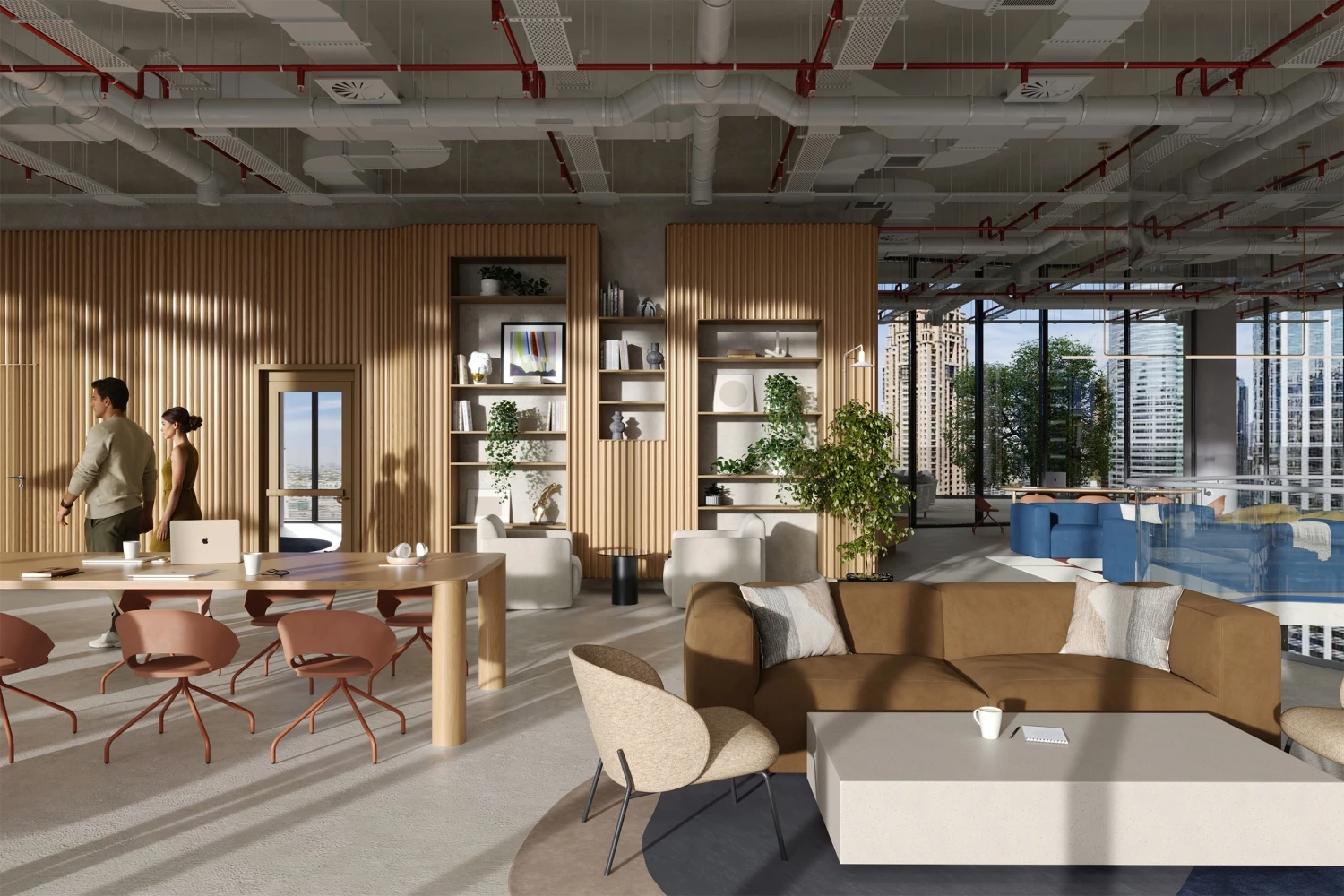
How Office Renders Help Architects Seal Projects
While sketches are a great way to attract clients, nothing compares to the capabilities of rendering software. It gives you immense power and freedom to experiment with various concepts, enabling you to create visually appealing designs that will leave your investors in awe. Here’s how office space renderings can change your pitching game.
Showcasing The Concept
The most challenging aspect of presenting your office concept to clients is explaining the numerous small visual details of the design – including furniture, curtains, materials, textures, and so on. Drawings and sketches are never able to show the client exactly how all these elements will impact the overall workspace. With a rendering office, though, you can show aspects from all sides and different angles, enabling your clients to understand the concept from the get-go.
This can apply not only to office visualization but also to townhouse rendering, apartment rendering, and hotel rendering.

Showing Off Design Features
Design and smaller elements can make or break your whole concept. CGI renderings will allow you to include all these characteristics and make them as realistic as possible. Including people in 3D renders can further enhance this office interior 3D rendering by adding a sense of scale and liveliness to the space.
Improving Your Marketing & Advertising
If you’re designing an office building that will be sold, it would be ideal to find potential customers before construction starts. To achieve this goal, workspace owners tend to opt for advertising and marketing to increase their chances. And what better way to showcase the concept of your workspace than to use 3D rendering of office spaces? 3D marketing and advertising have become the industry standard for selling and renting office space.

Types of Office Building Renderings
You can utilize this type of 3D rendering for various architectural purposes. Some of the most common ones are:
Exterior Office Rendering
This type of rendering helps architects and developers present facade designs with precision and style. Realistic lighting and material details accentuate the building’s character. Streetscape integration ensures the structure blends harmoniously with its surroundings, enhancing both visual appeal and urban context for client presentations and marketing visuals. You and your customers would be able to visualize the property before it is fully built. You can see this object from the outside, including the surrounding environment.
Interior Office Render
From open-plan layouts to elegant lobbies and meeting rooms, each render captures lighting, materials, and spatial flow, helping clients visualize functional, inspiring environments that enhance productivity, comfort, and brand identity before construction even begins. That’s precisely why 3D rendering and 3D interior visualization are the perfect options for this type of design.
Day vs. Night Renderings
Оffice building render showcases natural daylight for clarity and warmth, while evening scenes emphasize artificial lighting, shadows, and reflections—revealing the full impact of lighting design.
Aerial / Bird’s-Eye Renderings
Aerial or bird’s-eye renderings capture a project’s full context within the city, offering striking visuals ideal for marketing and investor presentations. Combining aerial 3D rendering services with traditional 3D landscape renderings is an effective way to showcase the project to your clients.
Virtual Tours (360°)
Virtual tours (360°) offer immersive walkthroughs that enable investors and tenants to explore properties remotely, thereby enhancing engagement and confidence in decision-making.
Office Rendering Workflow Process
The key to creating an effective office building 3D render is that it must incorporate the best practices of both architectural and landscape design. You have to create an atmosphere to tell a story because otherwise you’re just trying to sell blank space with no vision and appeal. To achieve a certain mood in a project, a professional commercial 3D rendering company needs to organize the following workflow process:
1. Client Brief & References
The process office visualisation begins with a detailed client brief. During this stage, we gather architectural drawings, sketches, design references, and moodboards to understand the project’s purpose, target audience, and style. Whether it’s a corporate headquarters, co-working hub, or boutique office, this stage sets the creative direction and defines project goals.
And it doesn’t matter whether we’re talking about visualizing an office or a room rendering, or a bedroom rendering – this stage always exists and is mandatory.
2. 3D Modeling Phase
Our team then builds precise 3D models of the office visualization, including walls, furniture, lighting fixtures, and decor. Using CAD files or sketches, we recreate every element to ensure proportions and spatial relationships accurately reflect the real environment.
3. Camera Position Approval
Before rendering, clients review and approve proposed camera angles. These perspectives determine how the space will be experienced—highlighting design features, layout flow, and key focal points, office interior rendering, such as lobbies, meeting areas, or workstations.
4. Materials & Textures
Next, realistic materials and textures are applied to every surface, including wood, glass, metal, fabric, and flooring. This step brings the design to life, ensuring that colors, finishes, and reflections match the intended atmosphere and brand identity.
5. Lighting Setup
Lighting plays a critical role in interior office rendering. We simulate both natural daylight and artificial lighting to create balanced, authentic scenes that emphasize space functionality and mood.
6. Post-Production & Branding
The images are then refined in post-processing, where contrast and tone are adjusted. You can also integrate branding elements, such as logos and signage, to reflect your company’s style.
7. Final Delivery Formats
The final office renders are delivered in high-resolution formats for print, web, or presentation use. PIXREADY ensures that every image clearly communicates design intent, inspiring stakeholders, attracting clients, and supporting successful project approvals and marketing campaigns.
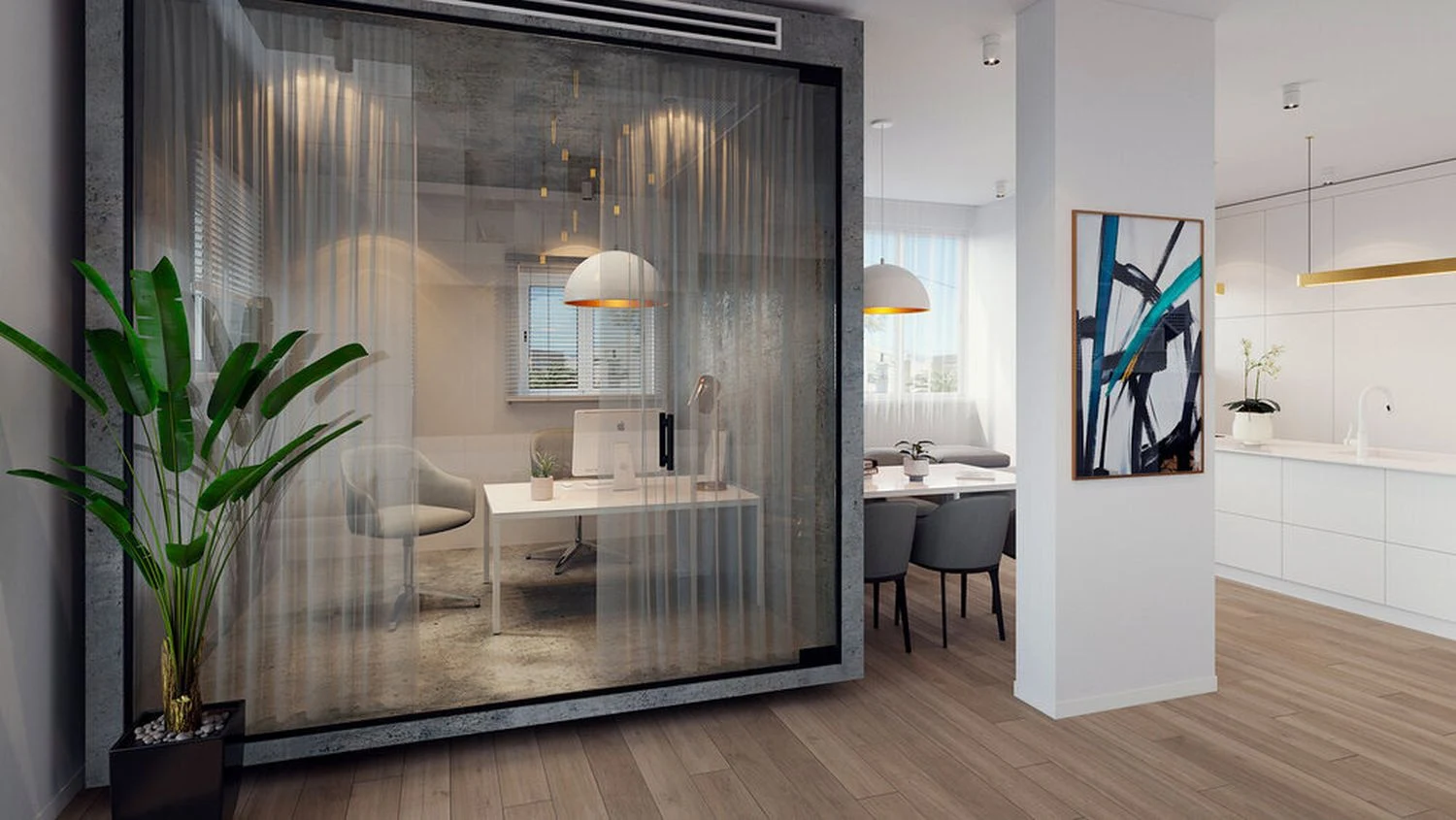
How to Make a 3D Rendering of an Office Space or Building
Specific steps are unavoidable, which we’ll go into in-depth about in this section of the article. Here’s how to make 3D office renderings:
1. Sketching
Before you start, though, choose a location or a site where you’d like to place your building. The next step is to create a rough sketch using an appropriate scale. Ensure that the scale is large enough to include all essential details but small enough to fit the entire design onto one page.
Once you have the rough sketch, the final step is to incorporate additional elements and details. Ensure that you do this for both the front and side views.
2. Modeling
If you’re well-versed with modeling software, then you can skip the sketching part and move straight to modeling. Once you’ve modeled the front side, use a pencil tool to redo the sketch in 3D. If your 3D render office model looks slightly different from your sketch, or some elements aren’t lining up, adjust them quickly and proceed to the next step.
Just as before, once you’ve completed the frontal view, model the sides of the building as well. Lastly, add materials and textures.
Pro tip: Design only one repetitive element from each category (e.g., one window), then copy and paste it onto your building instead of having to draw and model the same window dozens of times.
3. Rendering
The last step is rendering. You can use a dedicated 3D rendering tool or opt for ones that are included in other 3D architecture software suites. You can render the image by uploading the actual photo of the previously chosen site and aligning it with the perspective. Add other realistic details, such as shading, an entourage, or even some plants and trees. A more straightforward approach is to hire a 3D artist to create a high-quality project with a 3D rendering office.

Why Choose PIXREADY for Office Building Rendering
Choosing the right partner for your office space renderings can make all the difference—and PIXREADY stands out in the crowd. Here’s why:
Commercial Interior Specialization
PIXREADY focuses on commercial environments, including offices, lobbies, meeting rooms, and workspaces. With deep experience in this niche, the team understands the functionality and aesthetic balance that offices require.
Flexible Iteration & Variations
Office projects often evolve: layouts change, finishes shift, and branding updates happen. PIXREADY’s workflow is built to accommodate flexible iterations and multiple variations. You won’t be stuck with a static image; instead, you get a toolset that adapts to your needs.

Cost Efficiency
By leveraging a streamlined production pipeline and expertise in commercial office rendering, PIXREADY helps minimize your budget and time spent.
Marketing-Ready Deliverables
Final image sets, animations, and visual assets are tailored for both internal and external use—client pitches, leasing brochures, website galleries, and social media campaigns. PIXREADY ensures your visuals are polished and brand-consistent.
PIXREADY collaborated with a leading design studio to create photorealistic 3D office interior renderings of a modern design. The project showcased agile workspace concepts with clean lines, natural light, and efficient layouts that promote collaboration and flexibility. Our detailed visualizations highlighted the minimalist aesthetic, blending functionality with contemporary style.
These renders helped the client present a clear vision of the renovated office, emphasizing productivity, comfort, and sustainable design. By providing high-quality visuals early in development, PIXREADY facilitated faster approvals and increased stakeholder confidence, demonstrating how a modern 3D office interior render can effectively communicate both design intent and atmosphere.
.webp)
Conclusions
Office space rendering has become an unavoidable part of every architectural project. Not only are they highly customizable and offer the most flexibility, but office interior renders also provide a jaw-dropping competitive advantage. This is slowly becoming the standard in both offices and the design community, so ensure that your business isn’t missing out on some significant opportunities.
Are you in the market for architectural 3D office rendering services that will blow your clients away and generate a plethora of new business and client opportunities? If you’re ready to take your vision and your business to the next level, our team at PIXREADY is here to help. Book a call with one of our experts and explore your options.
Get 3d expert on your side
More than a 3D rendering vendor, PIXREADY acts as a strategic CGI partner helping brands
сreate scalable visual content for marketing, sales, and product launches. Let's explore your
project and discuss how CGI can support your business goals!

Stas Dunaevskiy is an Account Manager and Business Development Specialist at PIXREADY, a company focused on scalable CGI production and architectural visualization. He helps clients explore the possibilities of cutting-edge CGI technologies, with a special focus on immersive 3D walkthroughs, virtual tours, and architectural visualization. He has worked with real estate developers, construction companies, and product manufacturers, guiding them toward solutions that bring their projects to life and support business goals. With his consultative approach, Stas ensures that each PIXREADY project combines creative vision with the latest advancements in 3D visualization.

-2.webp)